
Appliance warranties, findable the day it breaks.
A washing machine fails on a Sunday and nobody knows if it's still covered. Warrantik keeps the retailer's warranty, the delivery receipt and the engineer history in one record.
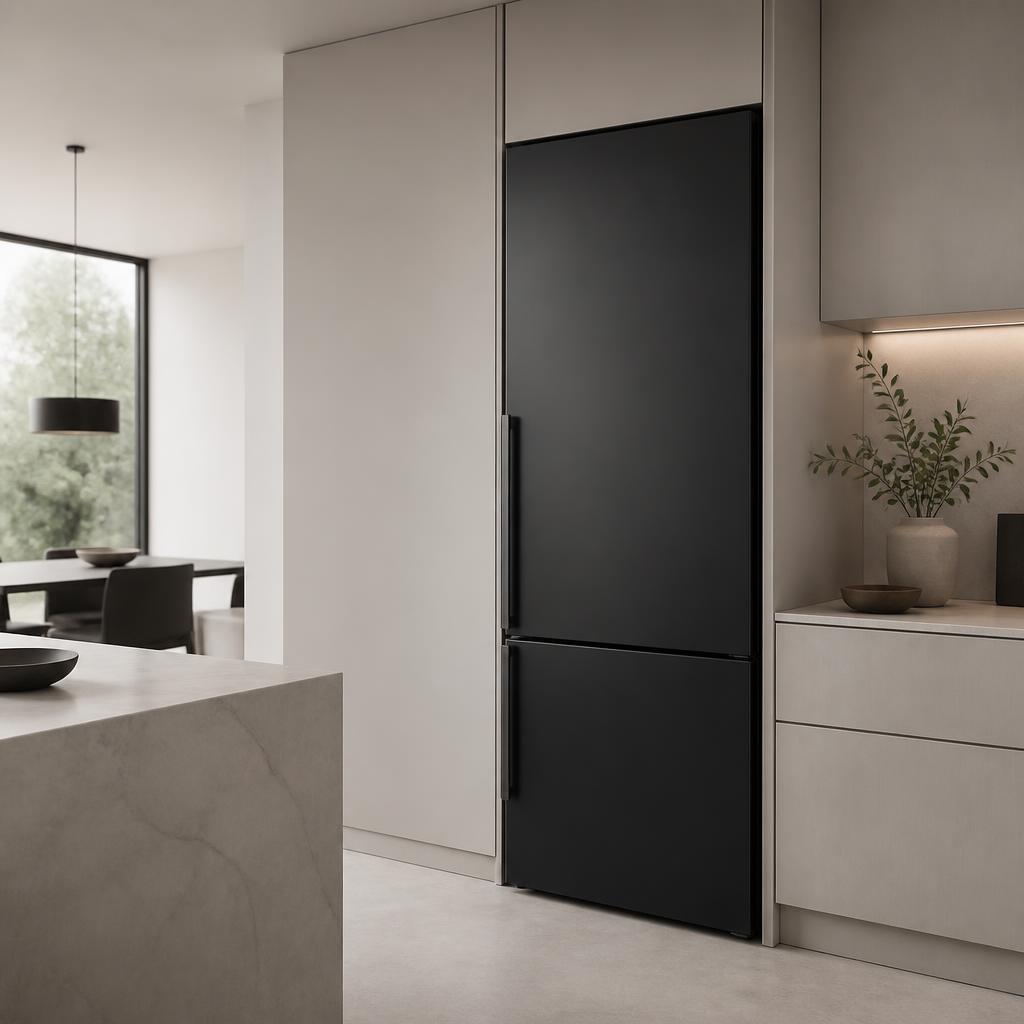
For appliances that outlive their paperwork.
Model and install date
Appliance model, serial and installation date stored where you can find them.
Engineer visit steps
Issuers guide you: send a photo of the error code, book a visit, keep the appliance accessible.
Receipt on file
Delivery note or invoice attached by the retailer, ready for a manufacturer claim.
Multi-year terms
Two, five and ten year parts cover tracked with reminders before each ends.
Parts vs labour clarity
What's parts-only and what includes labour, stated on the warranty itself.
Moves with the home
Transferable cover can pass to a buyer or new tenant when you move.
How an appliance warranty works on Warrantik.
- Step 1
The business issues it
Product, serial or reference, start date, term, exclusions and any money-back window — issued in under a minute from the dashboard, the API or a CSV import.
- Step 2
You get the warranty card
A branded email lands with your warranty card, its unique code and a scannable QR. It appears in your free Warrantik wallet at the same time.
- Step 3
Claim or verify anytime
Scan the QR to prove cover, or file a claim with photos and video. You follow every status change and message in one thread.
Appliance cover: parts, labour and the fine print
Large-appliance warranties frequently split cover: a short all-inclusive period followed by years of parts-only cover on specific components such as motors, drums or compressors. Callout labour, consumables like filters and seals, and damage from limescale, overloading or bad installation are usually excluded.
That split is where claims go wrong. Recording the warranty digitally at the point of sale — with the model, serial, install date and the issuer's own claim requirements — means the customer and the retailer are reading the same terms two years later.
- Model, serial and install date stored
- Parts-only periods made explicit
- Error-code photos on claims
- Engineer visit next steps
- Reminders before each term ends
- Transfer when you sell the home
Frequently asked questions
How do I find out if my appliance is still under warranty?
Open the warranty in your Warrantik wallet or the original email and check the status — active, expiring soon or expired — against the issuer's live record.
Does an appliance warranty cover labour as well as parts?
Often only for an initial period, with longer parts-only cover after that. The issuer writes the split onto the warranty so you can see what a callout will cost.
What do I need before booking an engineer?
Usually the model and serial, the fault or error code and proof of purchase. Warrantik keeps all three on the record, and issuers can list any extra requirements as claim next steps.
Can a retailer issue warranties for every appliance they sell?
Yes — individually from the dashboard, in bulk by CSV, or automatically through the API at point of sale.
Continue exploring warranties.
Panel faults, dead pixels and backlight failures — cover on record with the retailer.
Read moreBatteries, keyboards and boards — cover, receipt and repair history in one place.
Read moreUsed-car cover, parts and labour warranties, and service work — all verifiable.
Read moreStore your records, receipts and claims together.
Read moreSee how live warranty records work.
Read moreBrowse guidance for other products and services.
Read moreStart protecting every warranty you own
Join the businesses and customers building a warranty-free-of-worry future.